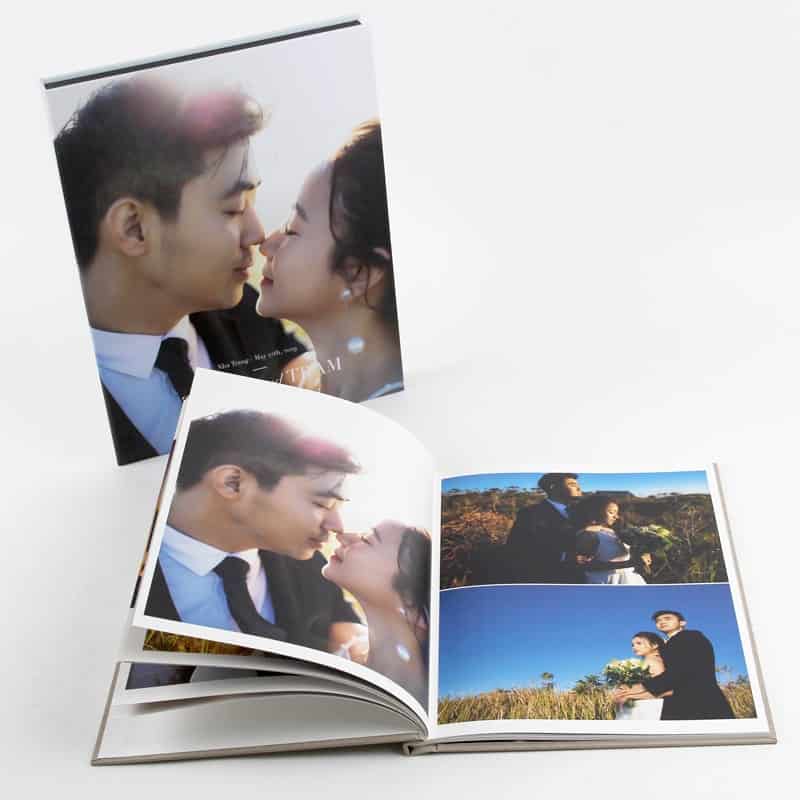
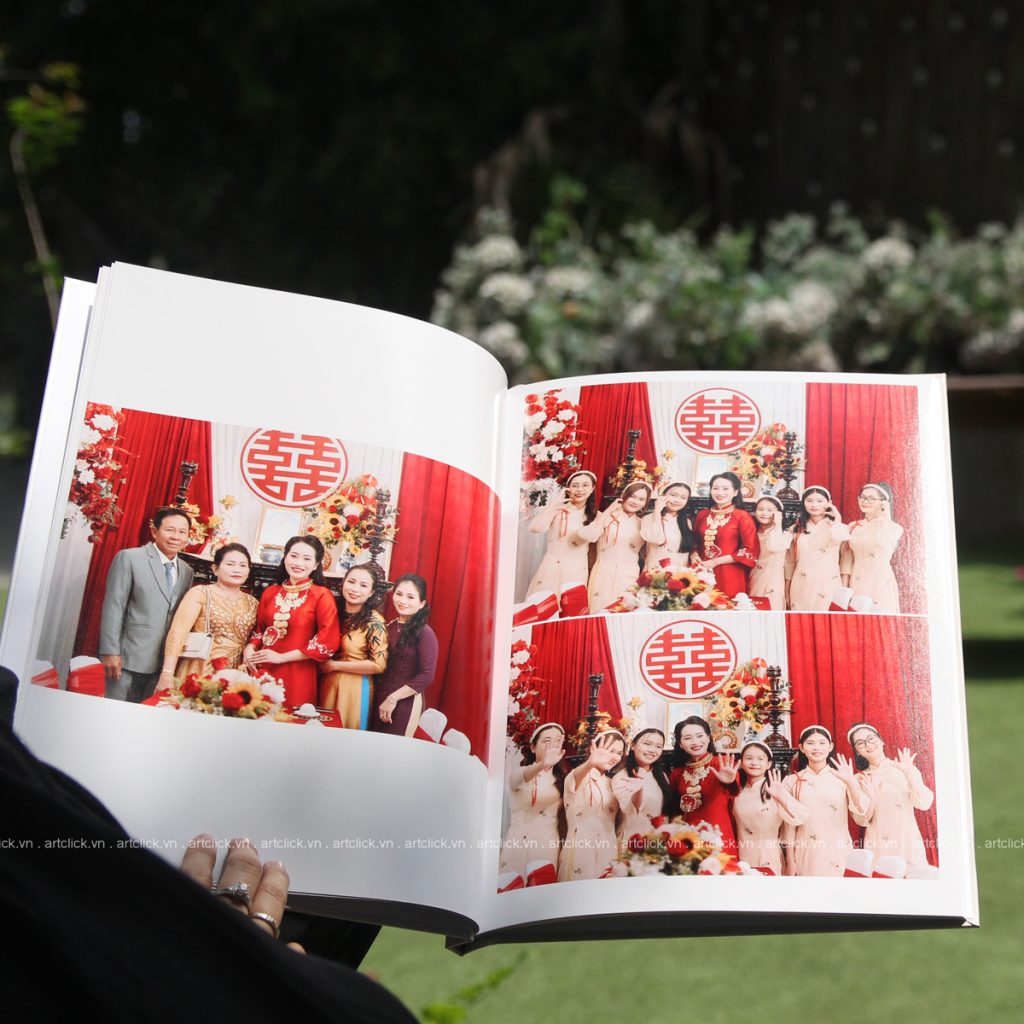
Giá In Photobook Bao Nhiêu Tiền? Bảng Giá Chi Tiết Tại Artclick
Đã bao giờ bạn giao hàng trăm tấm ảnh đẹp cho một album cưới, rồi nhìn lại thấy màu sắc ố vàng, hình ảnh nhòe, giấy mỏng dính như… tờ



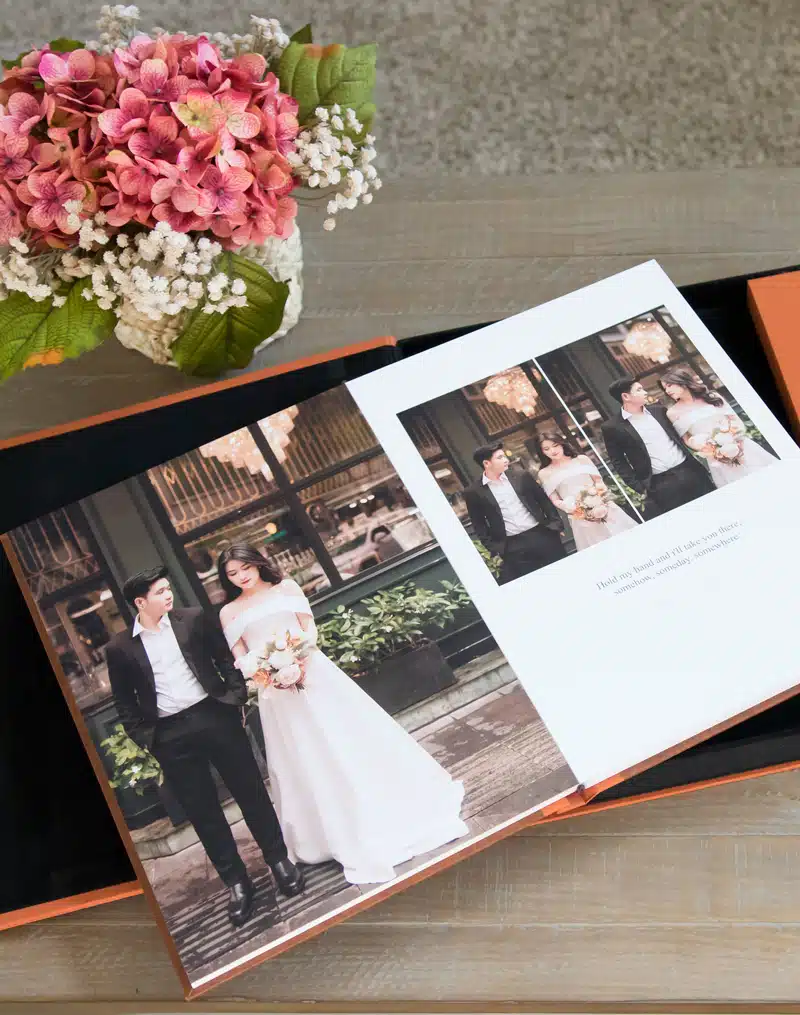
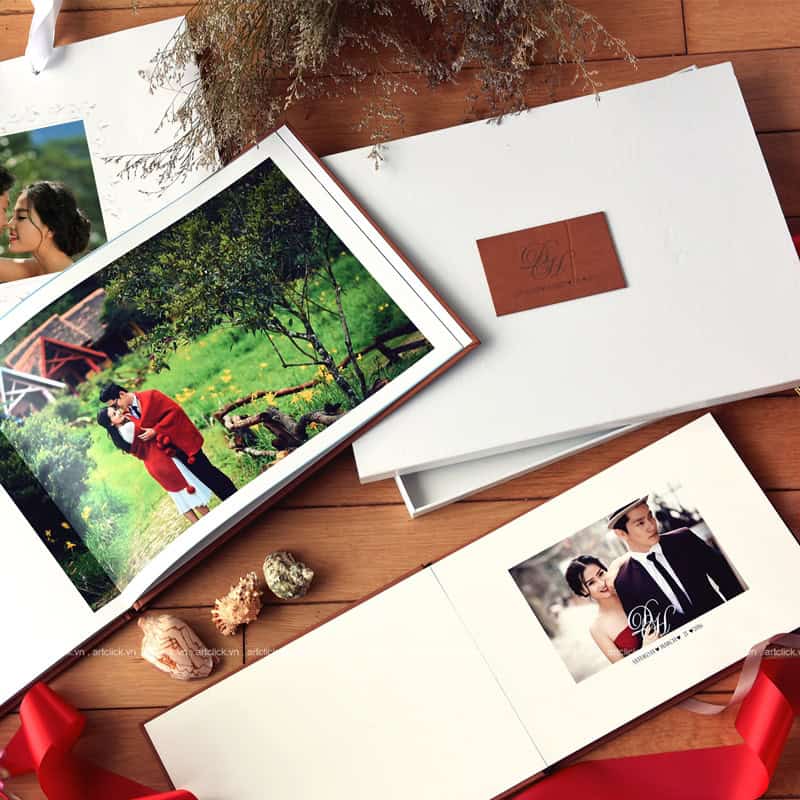
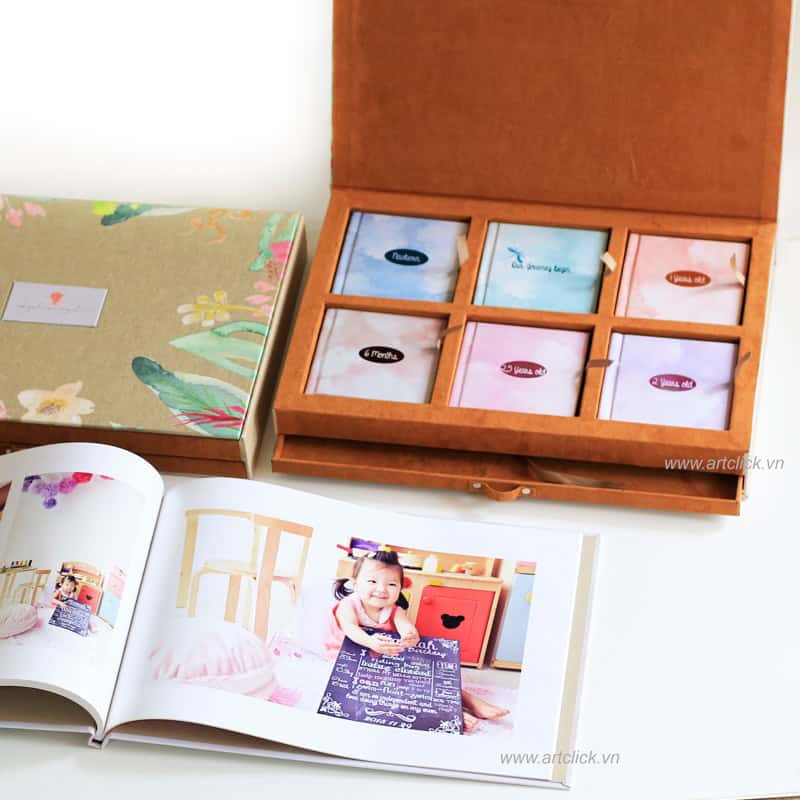
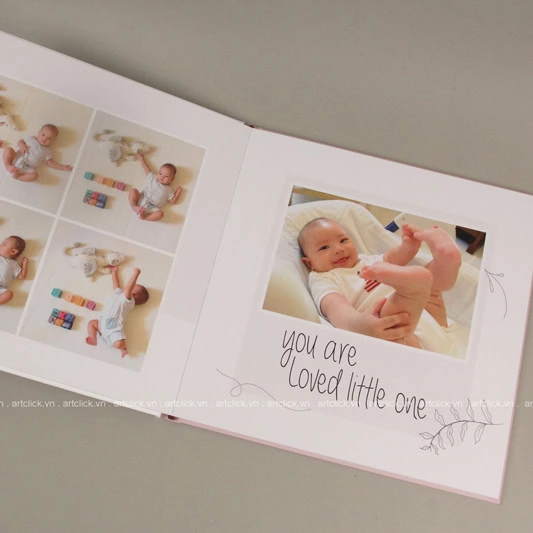
Photobook is a professionally designed photo album that helps preserve memorable family moments. A beautiful family photobook will be a meaningful gift for loved ones, helping them always remember beautiful family memories.
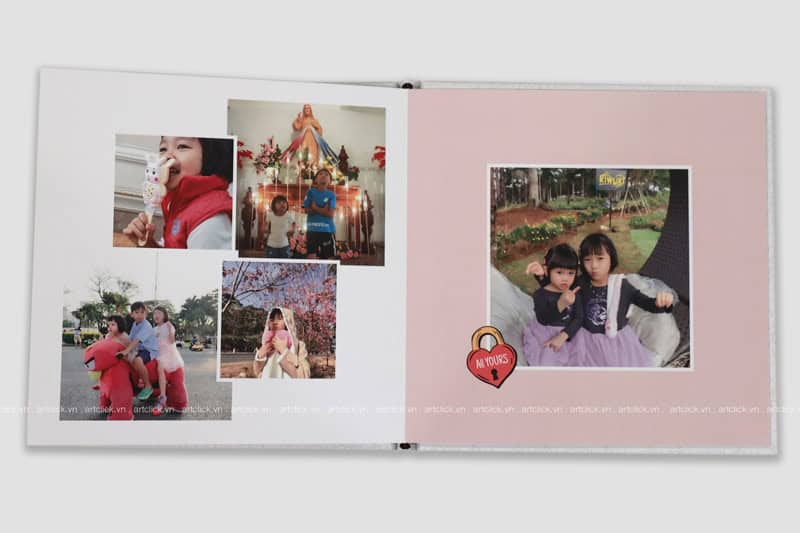
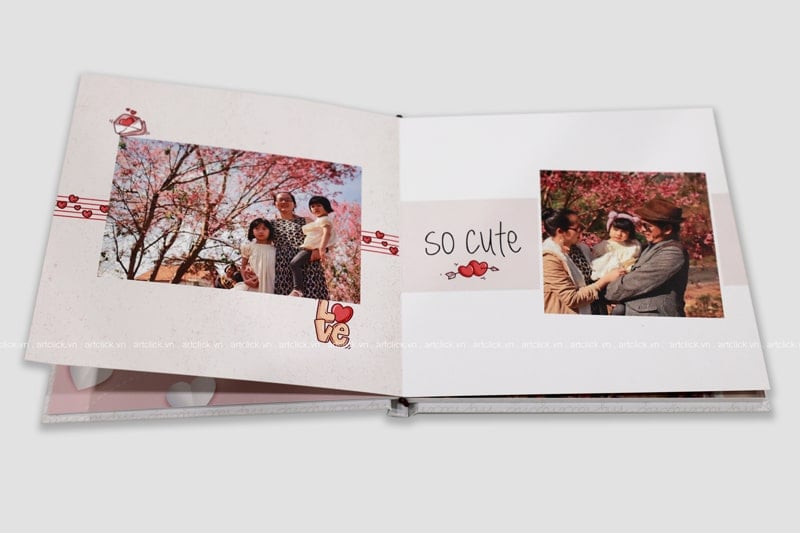
Instructions on how to make a free family photobook:
You need to choose beautiful photos, high quality for making photobooks. These photos can be taken by professional cameras or phone cameras. Please arrange them in chronological order, by location or whatever content you want to make it easier to design a photobook album.
You can design your own photobook using specialized software such as Illustrator, Photoshop or use Artclick's online design software.
See details about “Instructions for designing free online photobooks at Artclick“.
When designing a photobook, you need to keep in mind the following:
Choose photobook size: Photobook size can be customized according to your wishes. However, common sizes for family albums are 20x20cm or 21x30cm.
Choose photobook style: Photobooks have many different designs, such as magazine-style curved photobooks, 180-degree flat photobooks or spring-bound photobooks, etc. You can choose the photobook style that suits your needs. your preferences.
Choose photo layout: Photo layout is an important factor in creating a beautiful photobook. You need to choose a photo layout that matches the theme of the photobook.
After designing the photobook, you can send the album to be printed at quality printing units, with standard colors, a variety of paper materials to choose from and durability over time.
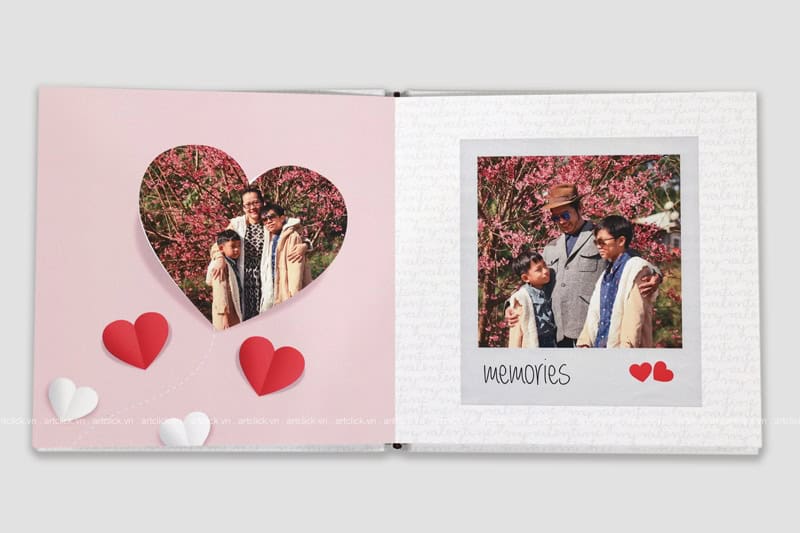
When making a family photobook, you need to keep in mind the following:
With a little patience and creativity, you can completely make a beautiful and meaningful family photobook yourself. This photobook will be a great gift to preserve your family's beautiful memories.
Đã bao giờ bạn giao hàng trăm tấm ảnh đẹp cho một album cưới, rồi nhìn lại thấy màu sắc ố vàng, hình ảnh nhòe, giấy mỏng dính như… tờ
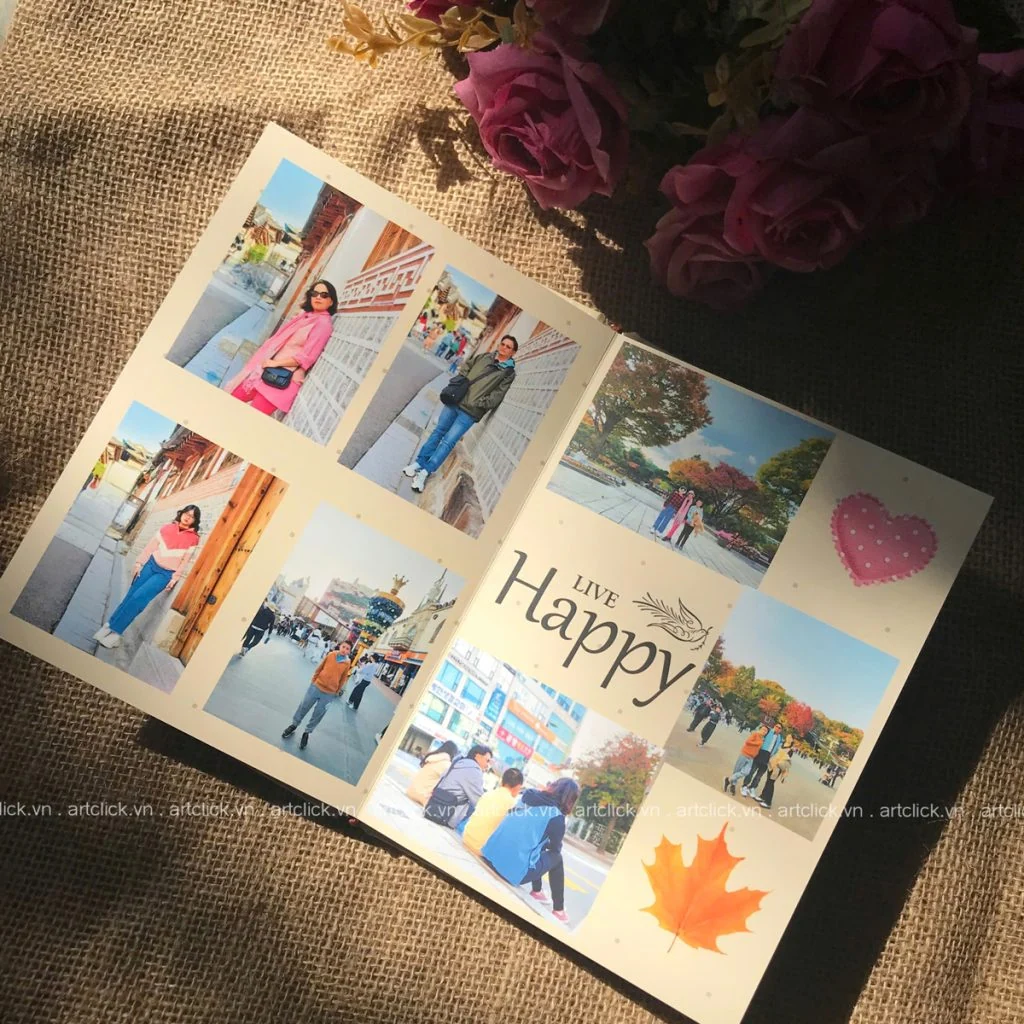
Mùa hè gõ cửa cũng là lúc tiếng ve râm ran gọi mời những chuyến đi. Đối với mỗi người, mùa hè không chỉ là khoảng thời gian nghỉ ngơi
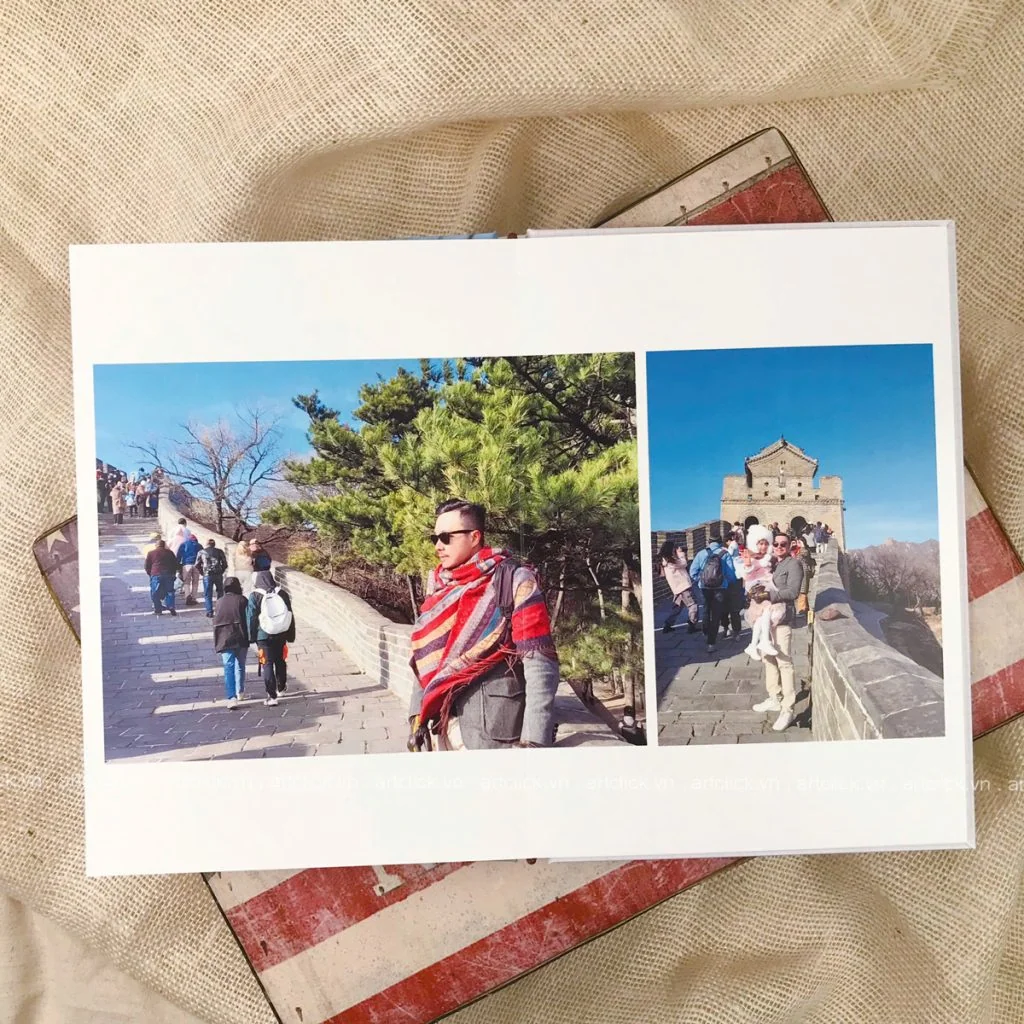
Mỗi chuyến đi xa là một chương mới trong cuốn nhật ký hạnh phúc của tổ ấm. Đó là lúc chúng ta tạm gác lại những bộ đồng phục công
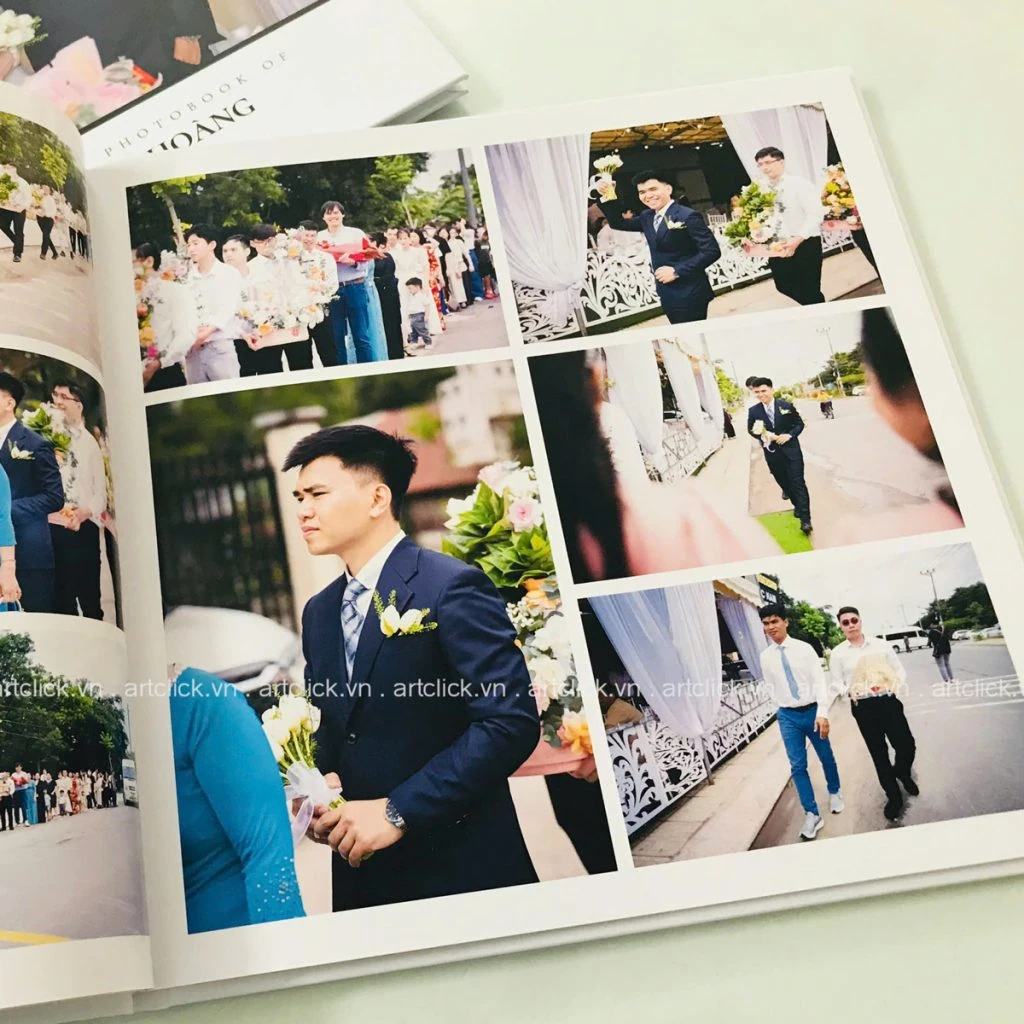
Ngày cưới là một trong những sự kiện trọng đại nhất của cuộc đời, nơi mỗi giây phút trôi qua đều mang theo những giá trị cảm xúc khó có
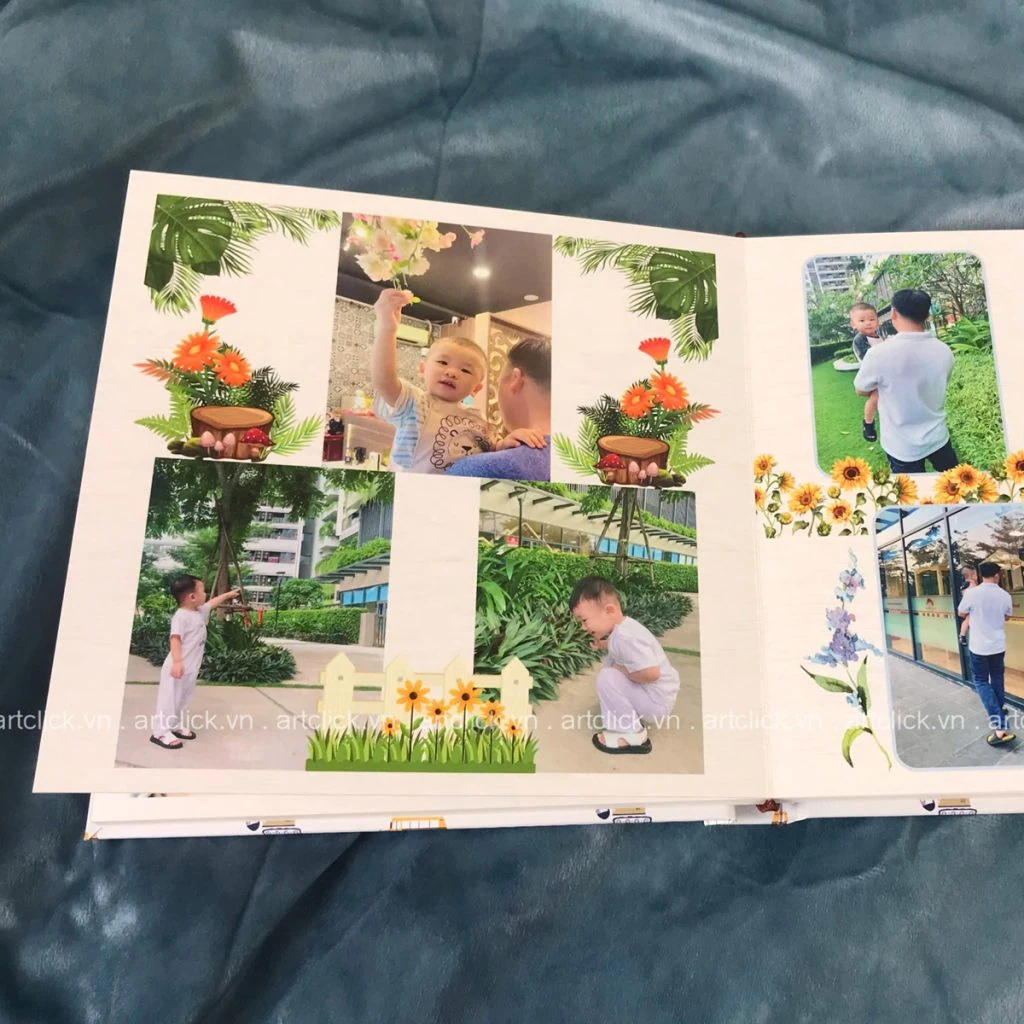
Khi thiên thần nhỏ bước vào tuổi lên 2, đây là giai đoạn vô cùng thú vị nhưng cũng đầy thử thách đối với các bậc cha mẹ. Ở độ
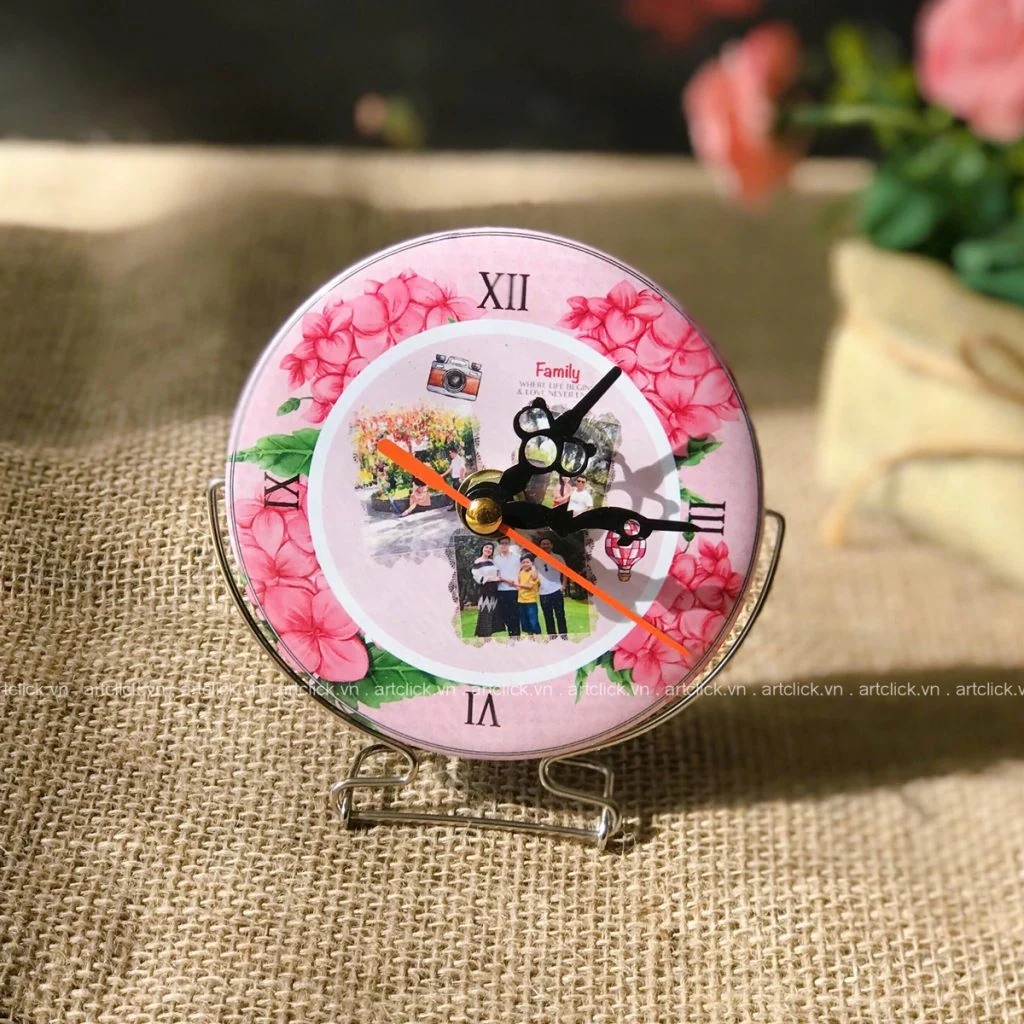
Sinh nhật luôn là dịp đặc biệt để chúng ta thắt chặt tình cảm với những người thân yêu. Giữa hàng ngàn lựa chọn quà tặng từ mỹ phẩm, thời
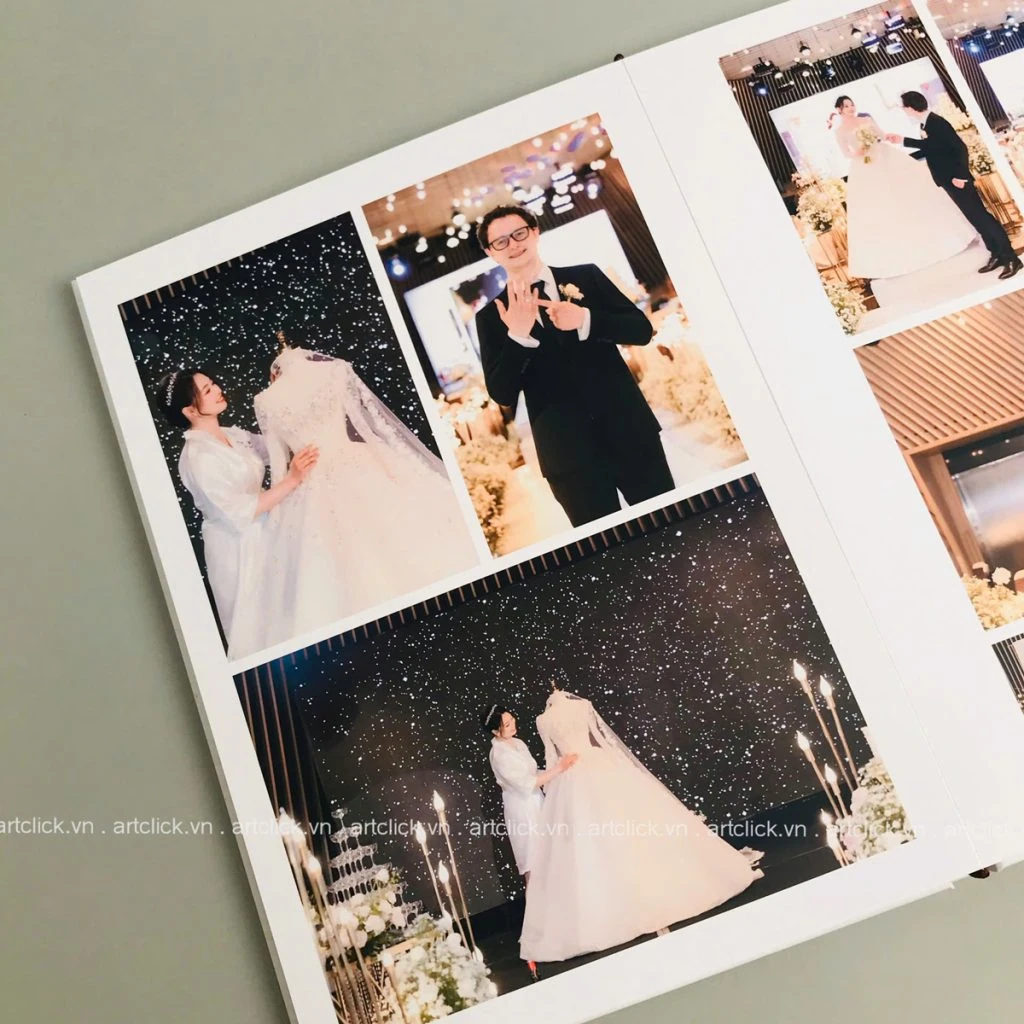
Ngày cưới là mốc son chói lọi nhất trong hành trình yêu thương của mỗi cặp đôi. Khác với phong cách chụp ảnh truyền thống vốn chú trọng vào sự
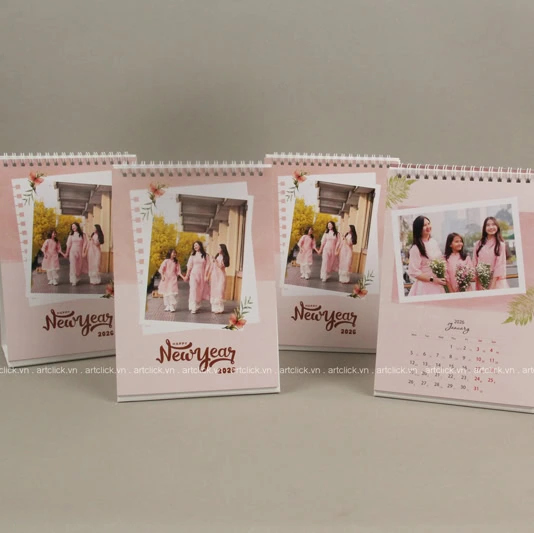
Trong guồng quay hối hả của công việc và cuộc sống hiện đại, bàn làm việc không chỉ là nơi giải quyết các sổ sách, giấy tờ hay thực hiện
Khoảnh khắc một thiên thần nhỏ chào đời và lớn lên từng ngày là hành trình kỳ diệu nhất mà bất kỳ bậc làm cha làm mẹ nào cũng muốn