Top 10 điểm đến lý tưởng nhất để đi du lịch gia đình mùa hè
Mùa hè gõ cửa cũng là lúc tiếng ve râm ran gọi mời những chuyến đi. Đối với mỗi người, mùa hè không chỉ là khoảng thời gian nghỉ ngơi



You have a lot of travel photos on your phone and camera. Is your phone memory giving a distress signal because it's too full and can't take more pictures? You want to design an album travel photobook so impressive images, not only preserving memories of your trips but also helping to free up memory for your phone and camera? However, you don't know how to design your own travel album to be unique, new, and impressive, while also saving as many images as possible. Then take a look at Artclick's article below.
Having just released a new model for the travel photo album collection, today Artclick will join you in "analyzing" some eye-catching and impressive layouts specifically for travel photo albums!
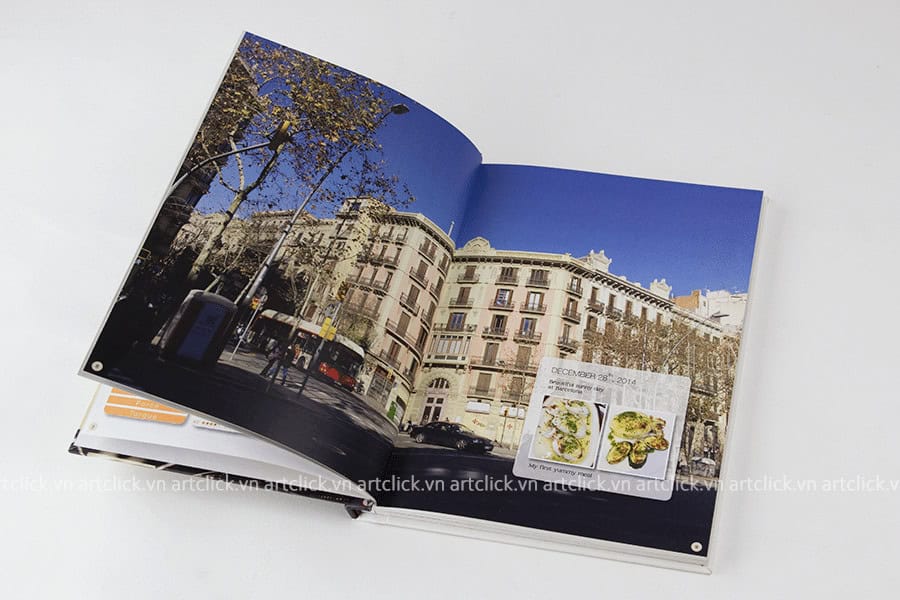
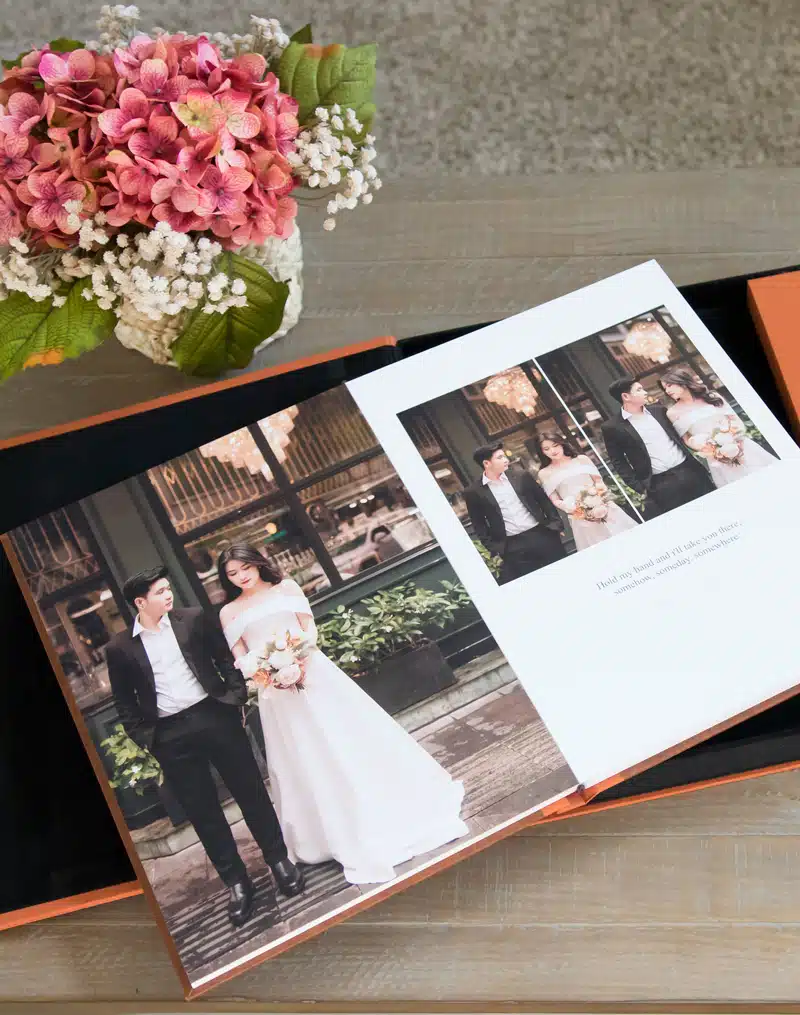
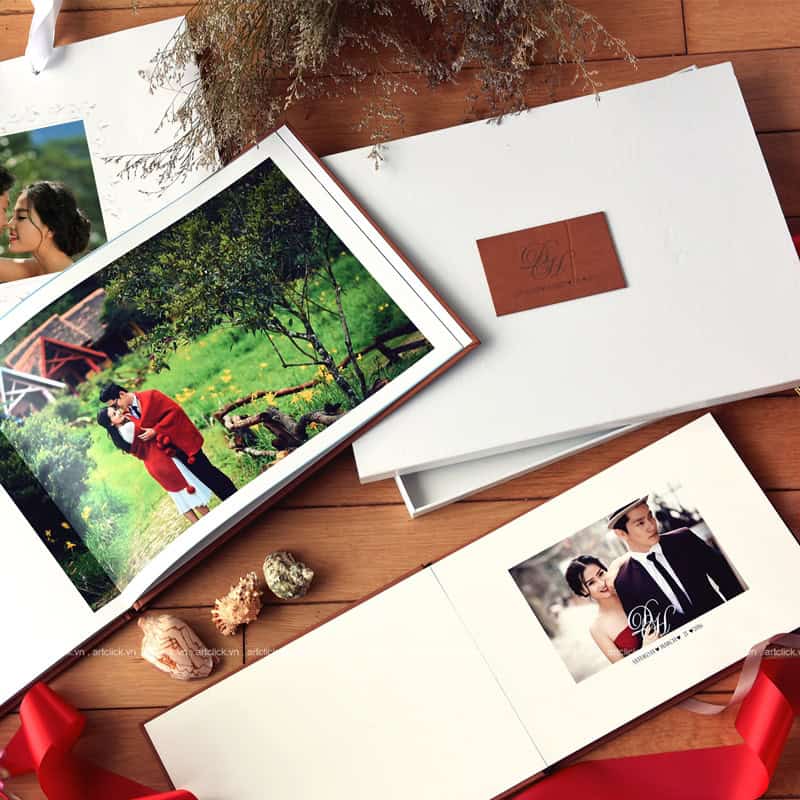
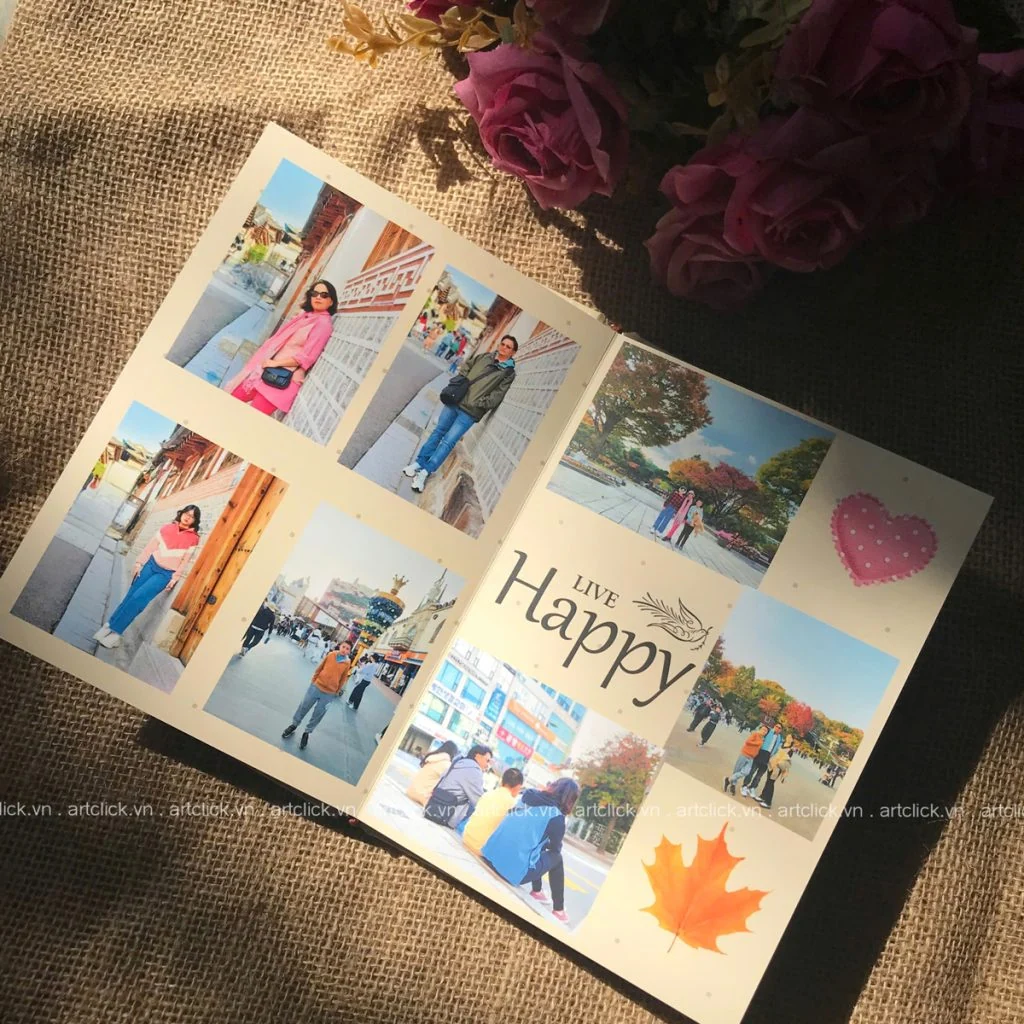
The 2-page image design applies to large photos such as landscapes and large family photos. This page layout helps the travel photobook become more special and more prominent with the photos you love so much. prefer.
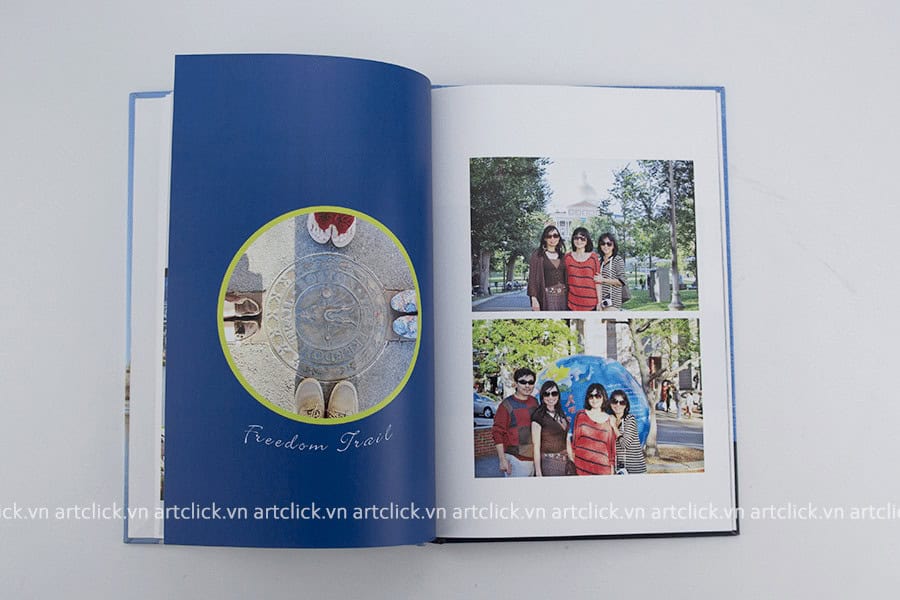
Taking advantage of shapes such as square, circle, triangle helps your travel photo album have special features on the pages, without causing boredom. Photos also become more "soulful" when placed in suitable photo frames.
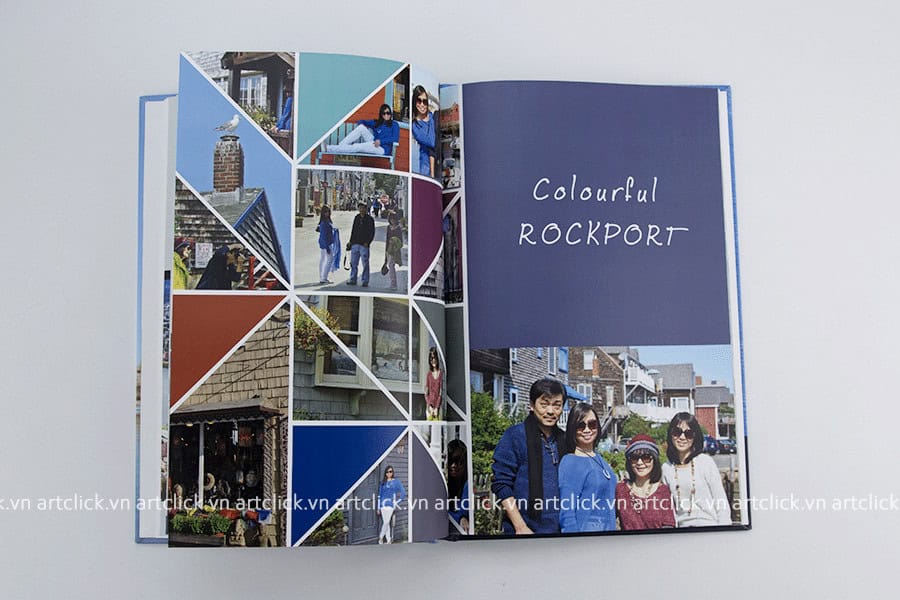
This combination of triangle graphics and colors makes your travel photobook page interesting and unique. However, if you use this effect, you need to choose appropriate photos so that important details are not cropped.
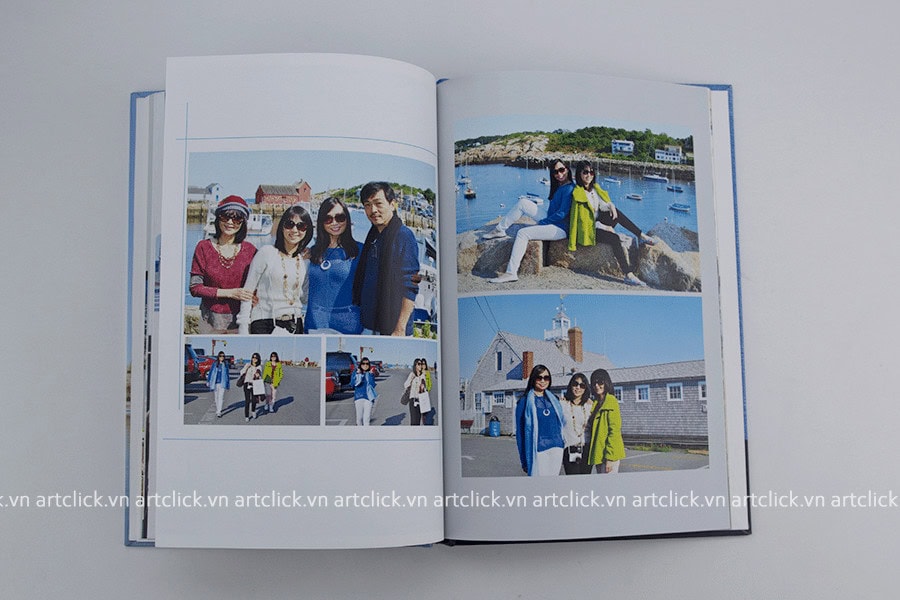
Simple with images placed next to each other. Add a few horizontal and vertical lines to avoid boredom. A beautiful photo album is a harmonious combination of simple pages and highlight pages. If you only have simple album pages, the album is not too interesting, and if every page is too unique - strange then The album will be confusing and no page will truly stand out.
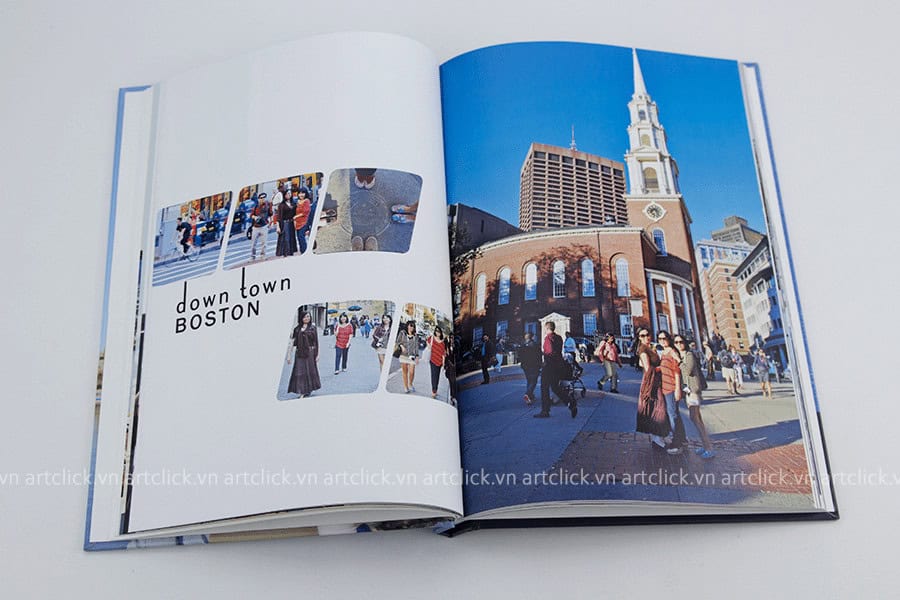
To be more creative with "parallelogram" photo frames, you can use the "Mask" technique to create cube photo frames like the one above.
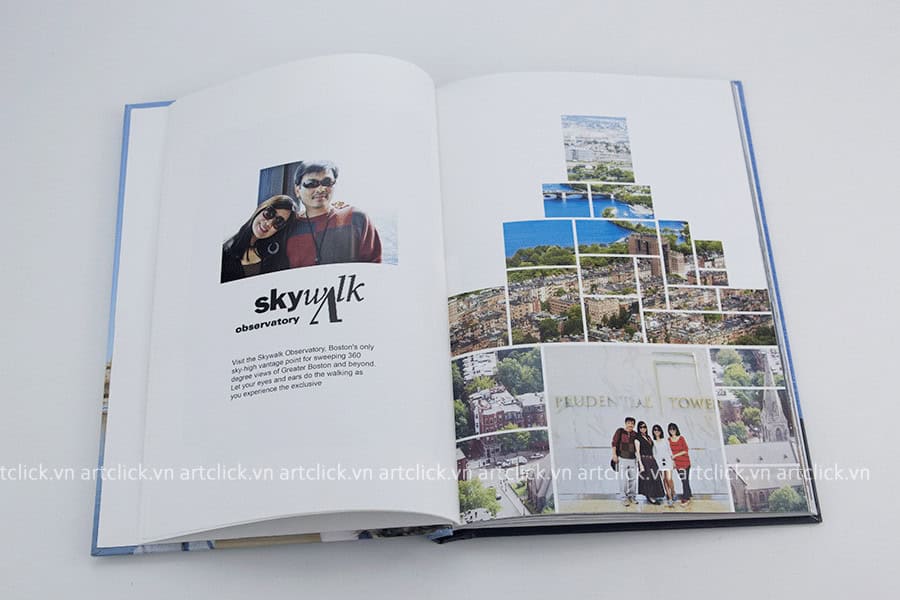
Create collage shapes from iconic images, such as hearts, buildings, flowers, flags, etc. You only need the shapes of those symbols, then cut them into individual small shapes , and insert your image accordingly, it's important not to lose important details.
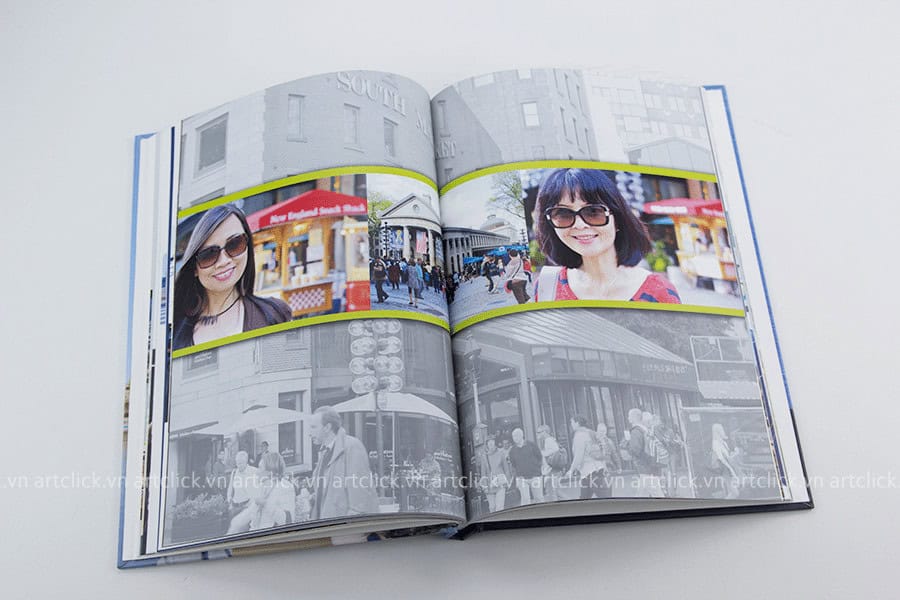
The difference here is that the background of the travel photobook page is not plain colors or flowers but is the images you took. To give the background image a certain opacity, or a light, black-and-white color scheme, while the main image needs to stand out, use brighter colors or brightly colored borders.
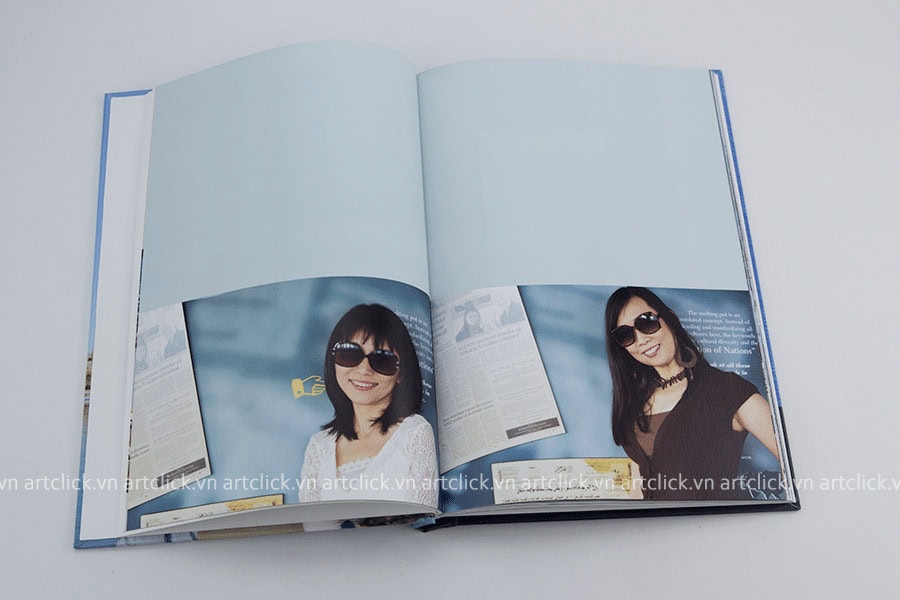
Typical for a simple album page, but creates a polite and luxurious feeling when using a light blue background.
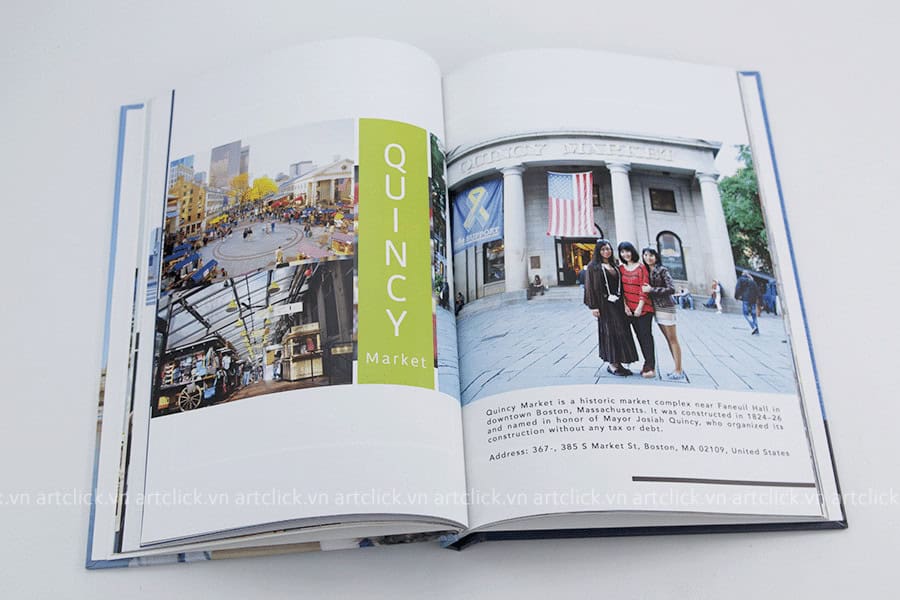
Every trip has memories, take a little more time, write a few lines of your thoughts and feelings for each destination. Later, when you open the album, you will feel like you are traveling to that place again, alive with old emotions. Or simply just words that highlight the location.
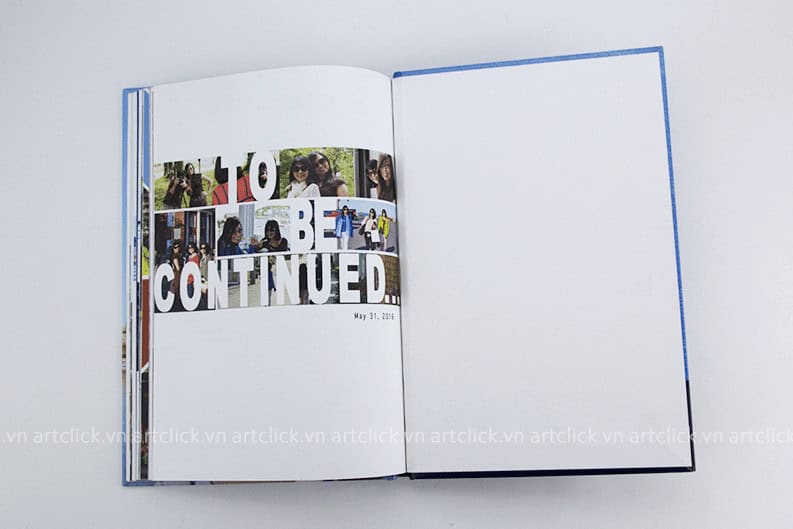
The page ends, but not the end. Because the journey will continue..
Above are a few suggestions on how to arrange the pages and layout of a travel photobook album. Hopefully you can refer to and apply them when designing photo albums, creating the most beautiful and meaningful photobooks.
TRY NOW ACBook free online design software – The most convenient travel photo album design software today.
Mùa hè gõ cửa cũng là lúc tiếng ve râm ran gọi mời những chuyến đi. Đối với mỗi người, mùa hè không chỉ là khoảng thời gian nghỉ ngơi
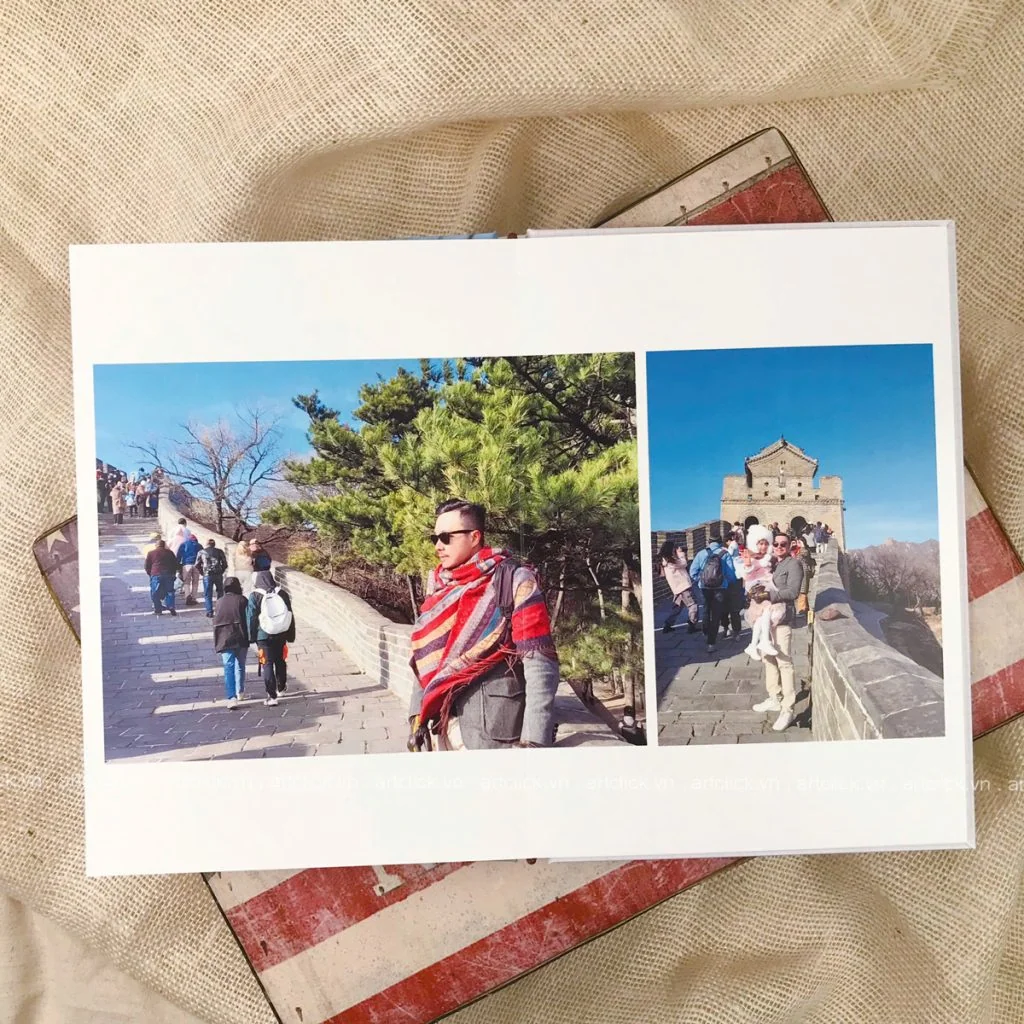
Mỗi chuyến đi xa là một chương mới trong cuốn nhật ký hạnh phúc của tổ ấm. Đó là lúc chúng ta tạm gác lại những bộ đồng phục công
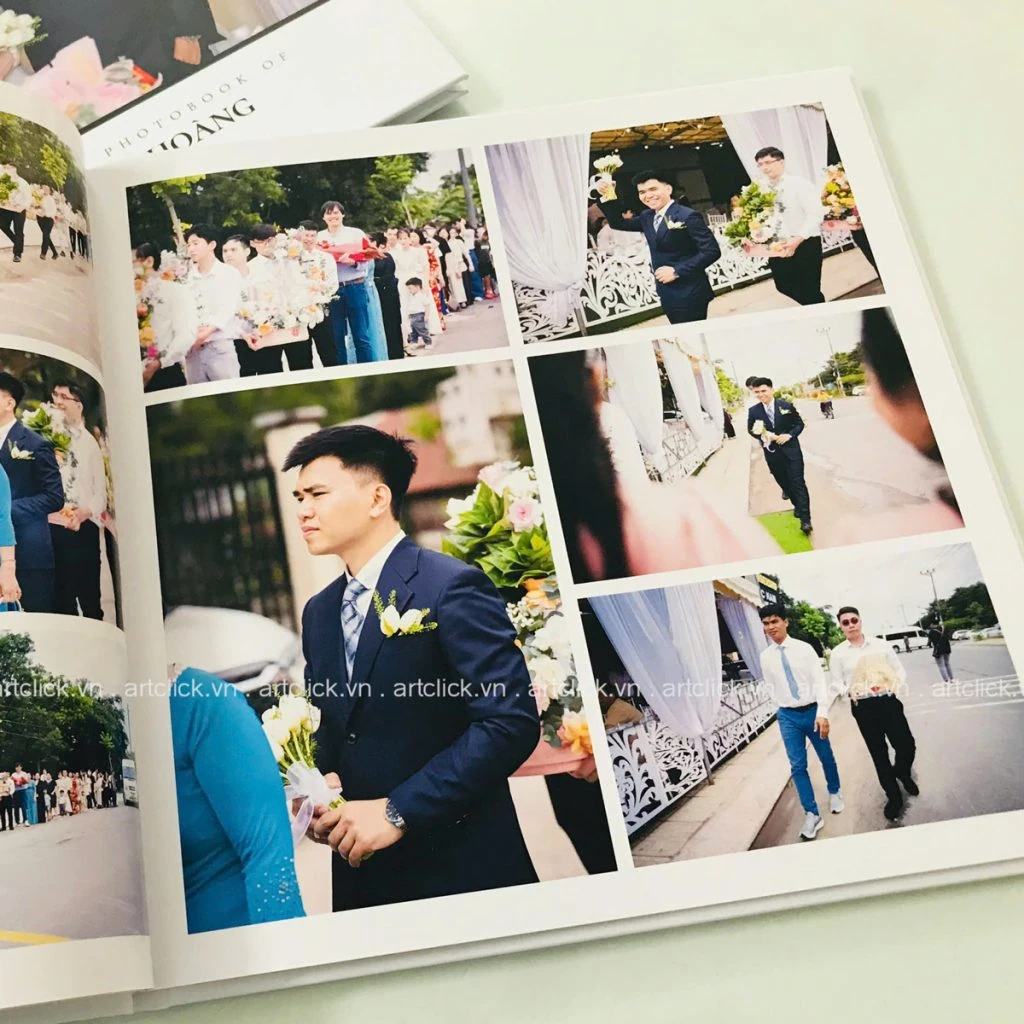
Ngày cưới là một trong những sự kiện trọng đại nhất của cuộc đời, nơi mỗi giây phút trôi qua đều mang theo những giá trị cảm xúc khó có
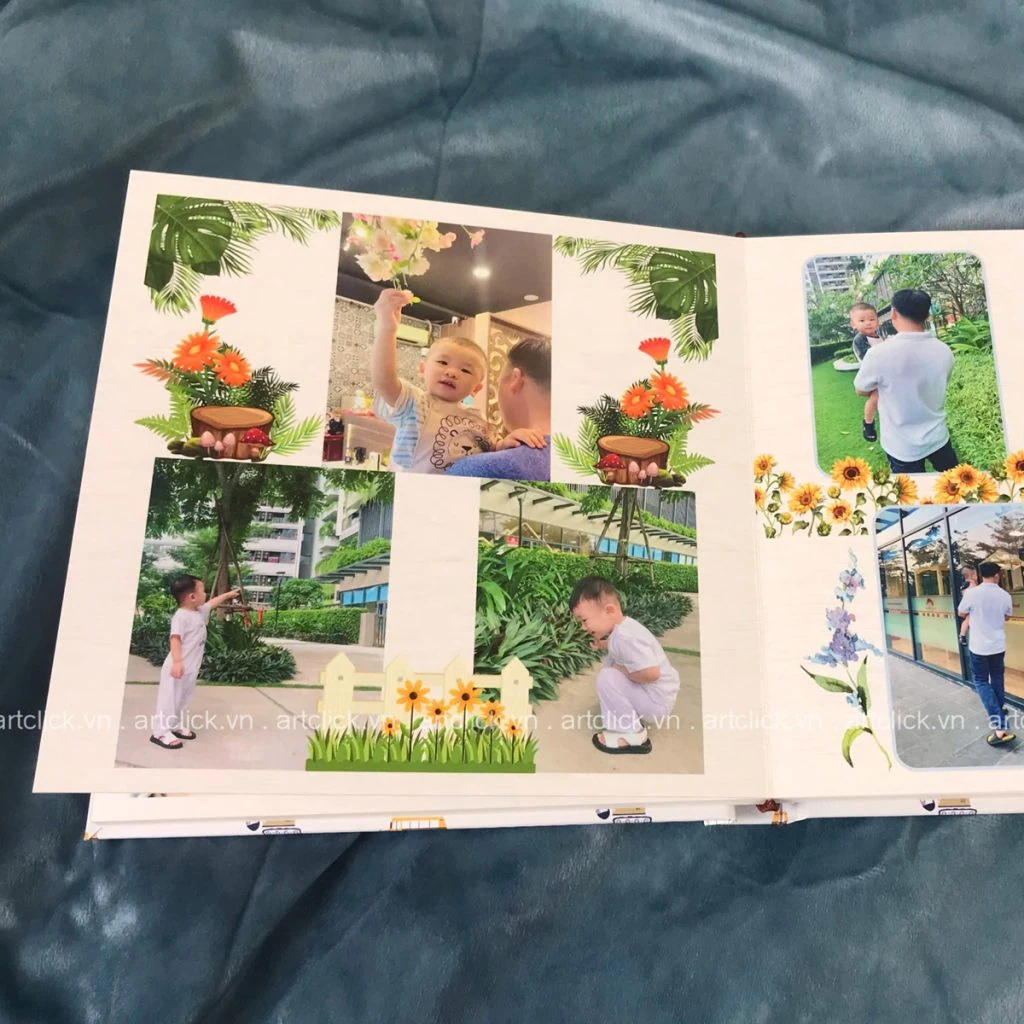
Khi thiên thần nhỏ bước vào tuổi lên 2, đây là giai đoạn vô cùng thú vị nhưng cũng đầy thử thách đối với các bậc cha mẹ. Ở độ
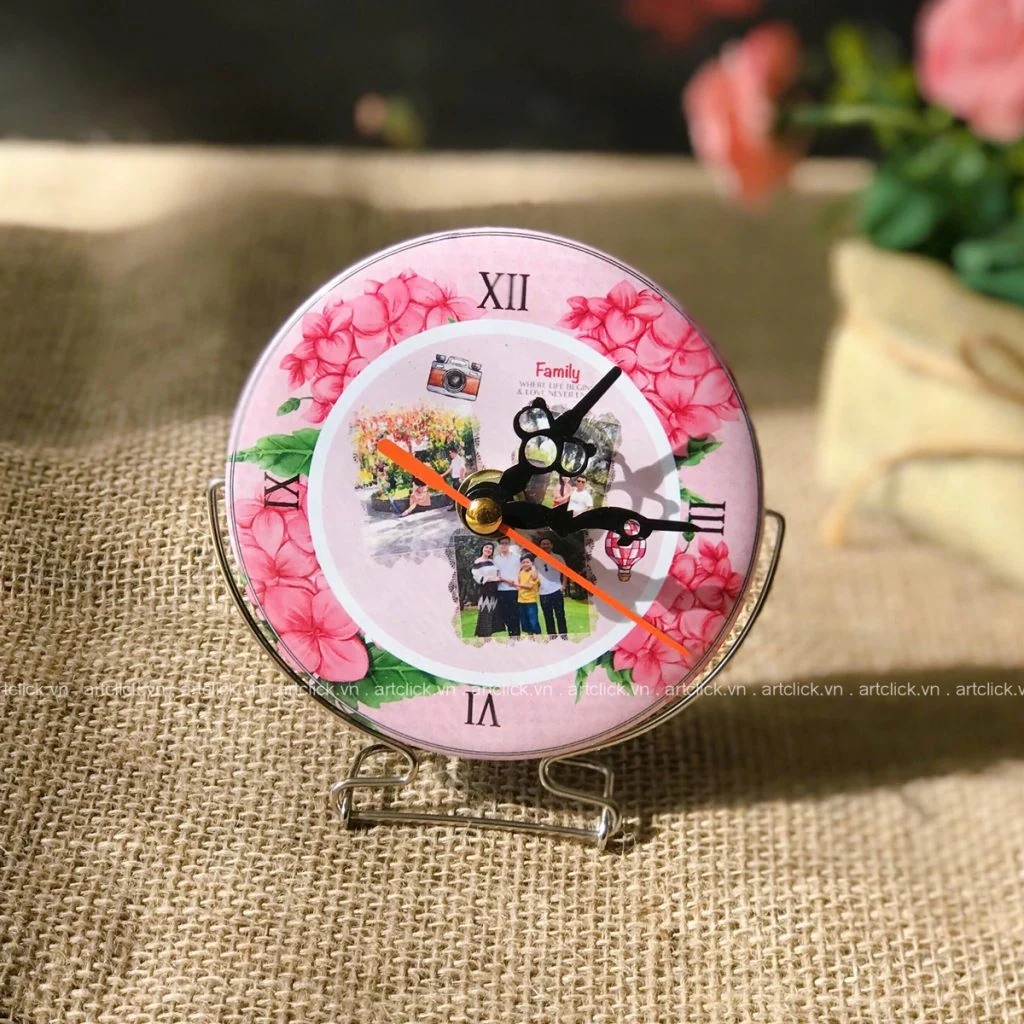
Sinh nhật luôn là dịp đặc biệt để chúng ta thắt chặt tình cảm với những người thân yêu. Giữa hàng ngàn lựa chọn quà tặng từ mỹ phẩm, thời
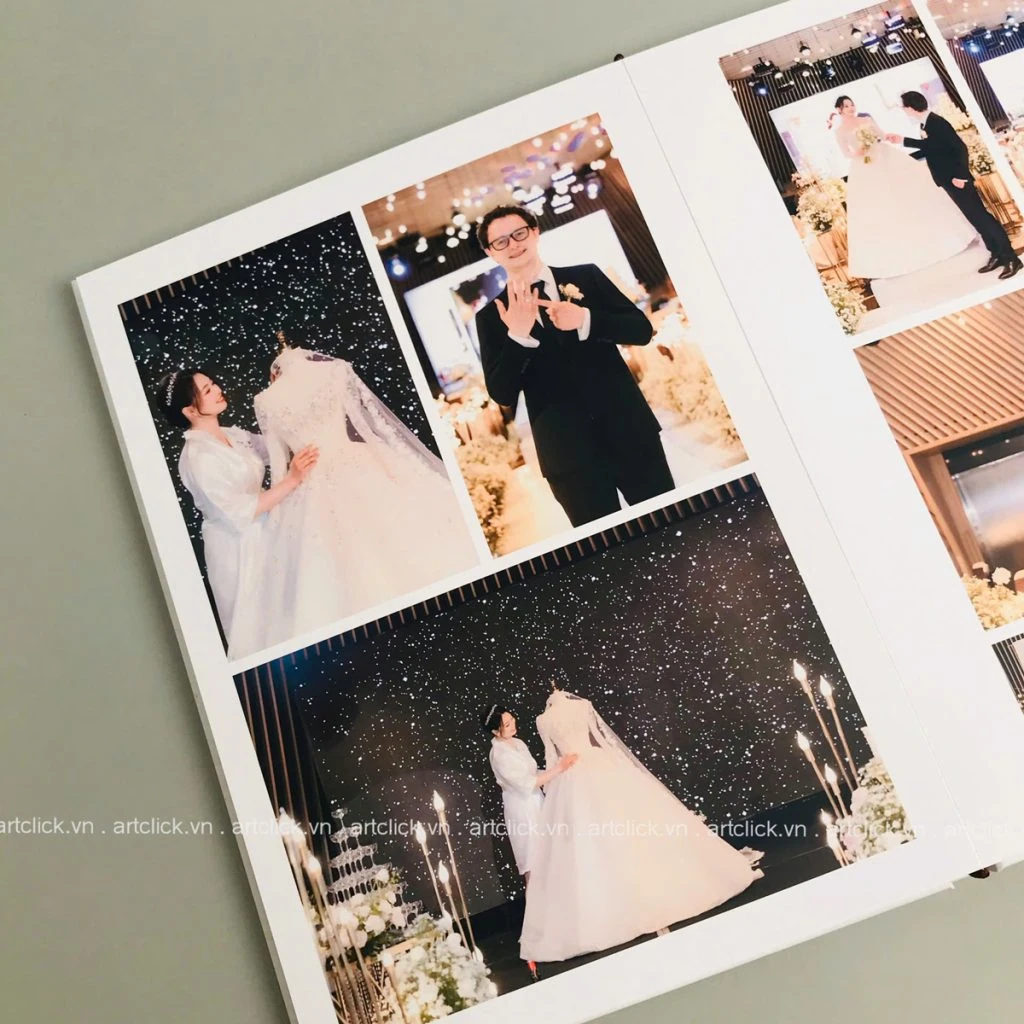
Ngày cưới là mốc son chói lọi nhất trong hành trình yêu thương của mỗi cặp đôi. Khác với phong cách chụp ảnh truyền thống vốn chú trọng vào sự
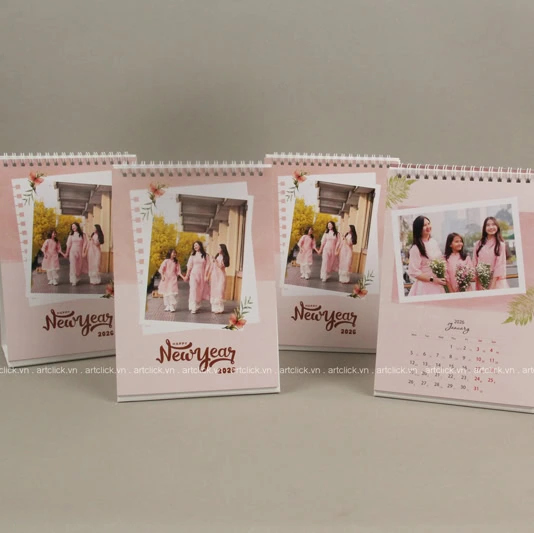
Trong guồng quay hối hả của công việc và cuộc sống hiện đại, bàn làm việc không chỉ là nơi giải quyết các sổ sách, giấy tờ hay thực hiện
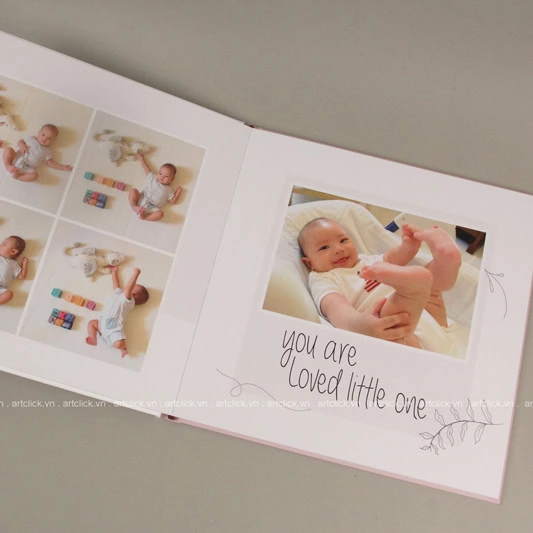
Khoảnh khắc một thiên thần nhỏ chào đời và lớn lên từng ngày là hành trình kỳ diệu nhất mà bất kỳ bậc làm cha làm mẹ nào cũng muốn
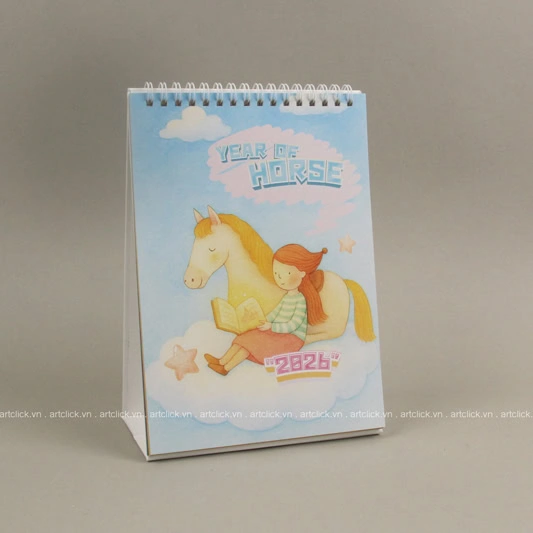
Mỗi dịp cuối năm, thị trường quà tặng và vật phẩm trang trí lại trở nên nhộn nhịp hơn bao giờ hết. Trong số đó, lịch để bàn luôn là